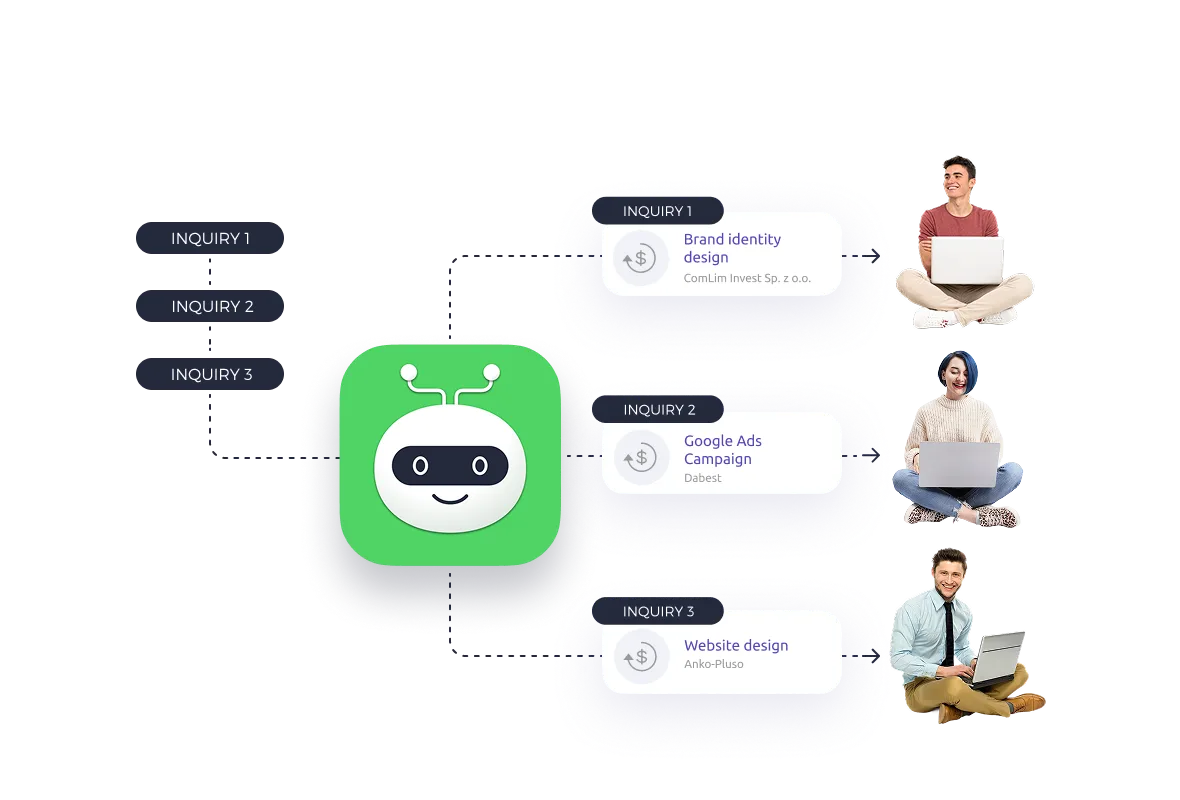
Leads from your CallPage widget land in Livespace automatically, with tags, message and source.
How CallPage works
CallPage leads are saved in Livespace as contacts. They get tags based on the action (e.g. left a message, scheduled a call), the message, widget fields and the source.
You set it up in the CallPage dashboard. You need a CallPage account and your Livespace API keys.
How to set up the CallPage integration
1
In CallPage, open the Integrations tab and choose Livespace.
2
Choose the widgets or numbers that should send leads.
3
Enter your Livespace domain and paste the API keys from Account settings → API.