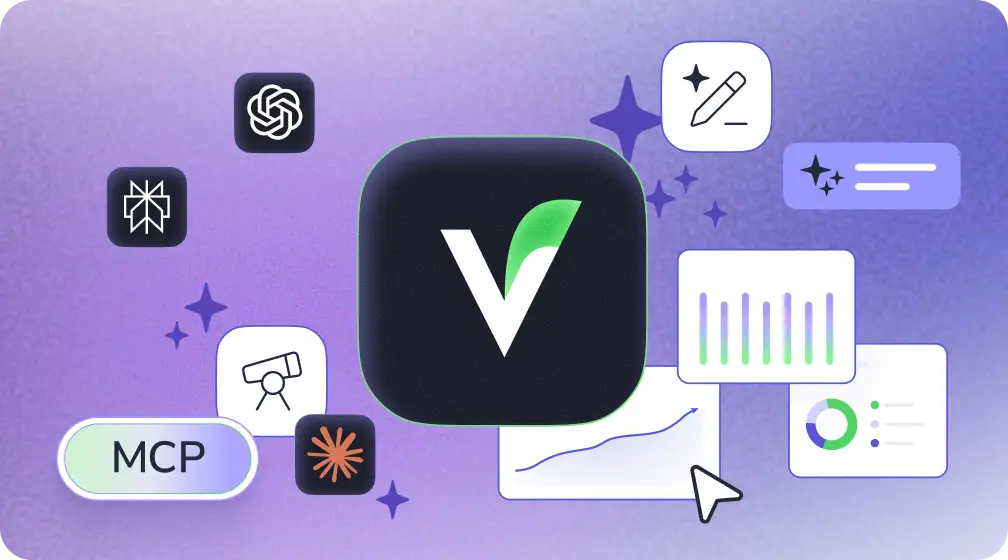
Features


Industry solutions


AI for sales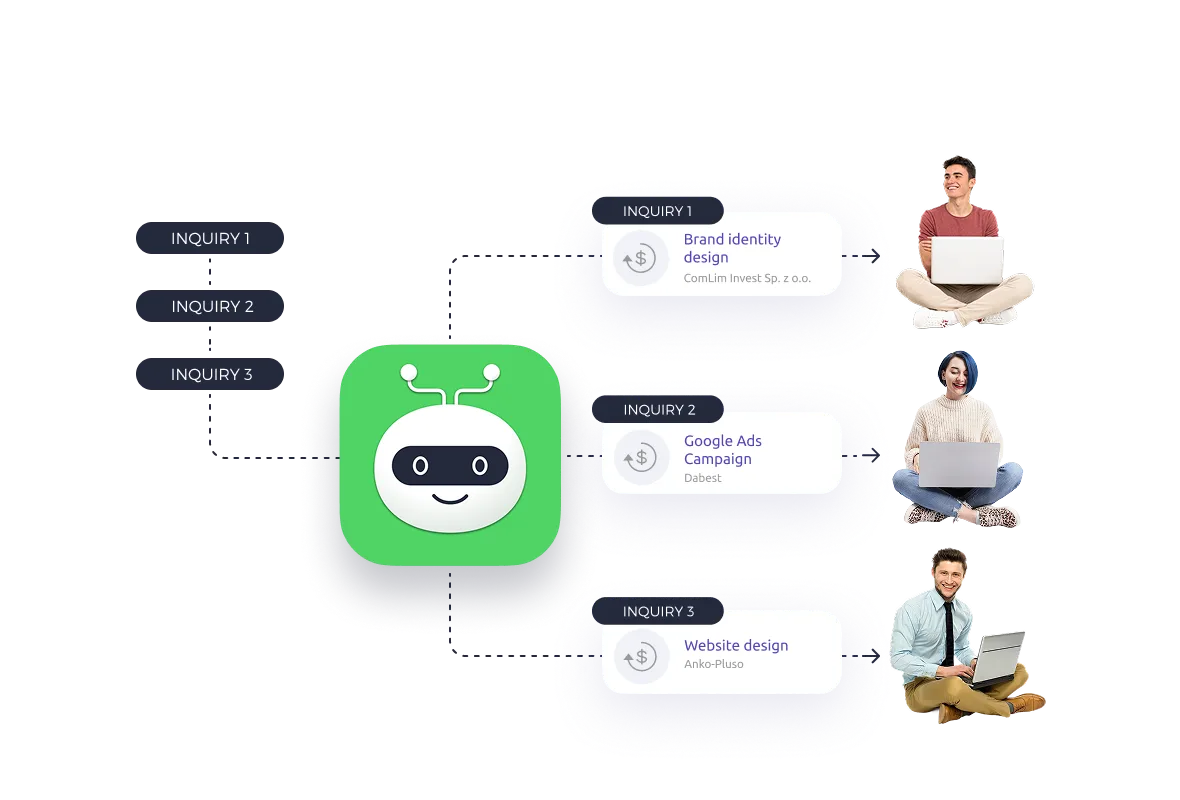
Meet Livespace SalesBot
An AI assistant that supports managers and reps in their daily CRM work.
Learn more


Wondering if Livespace is a match for you?Check it out with our team on a free, individual demo.
Book a demo


 Livespace MCP