Company Researcher
Built by Livespace
AI
An AI agent that researches a company in public sources and fills in its profile.
How Company Researcher works
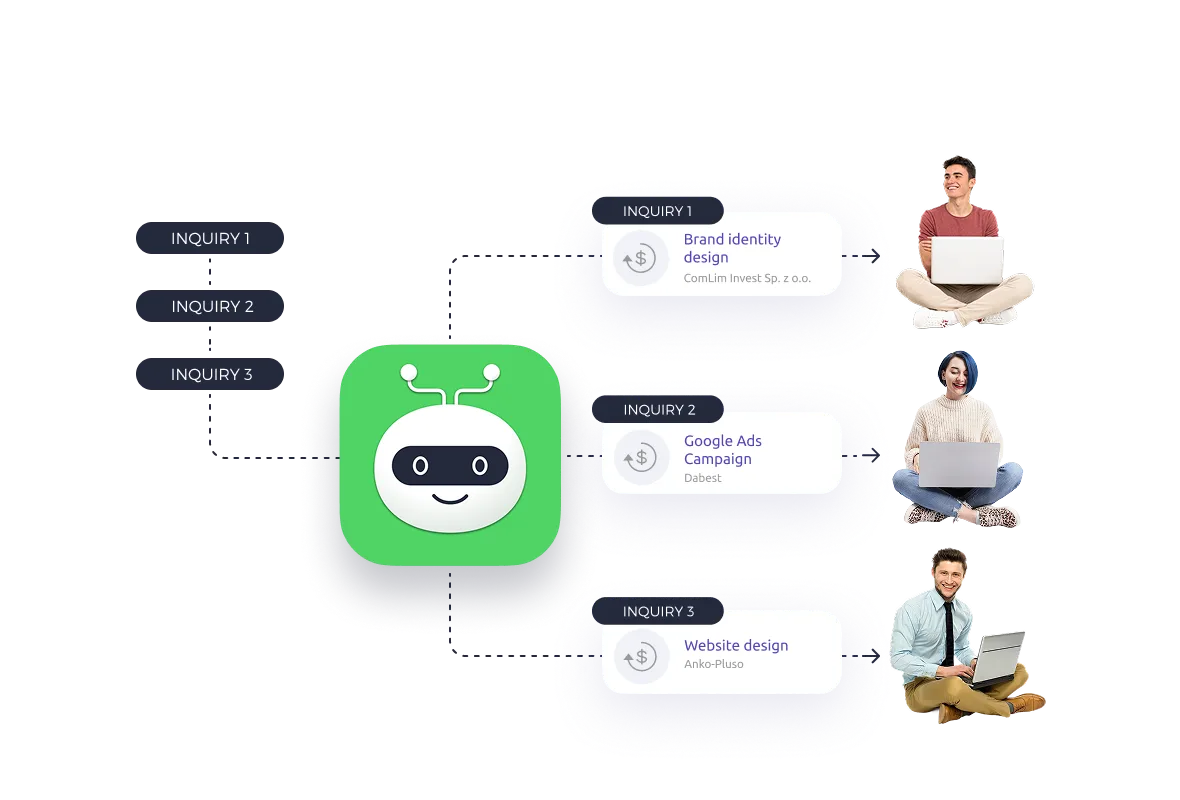
Company Researcher prepares a briefing on a company before your call. It finds the company from the name, domain and VAT ID on the record.
It researches public sources only — no private data, no credit checks. It's a briefing, not due diligence.
Results are shared across your account for 7 days, so three people don't repeat the same research.
Admins on the Automation plan and up choose which sections it researches.
How to turn on Company Researcher
- 1
It's on by default. Open a company in Livespace and start a research.
- 2
Admins manage it in Account settings → AI Agents.
Admin
Guides in the Help Center
Last updated: