Sellizer logo

Sellizer integration with Livespace CRM

IntegrationFree

Track the proposals you send in one place, right from Livespace.

How Sellizer works

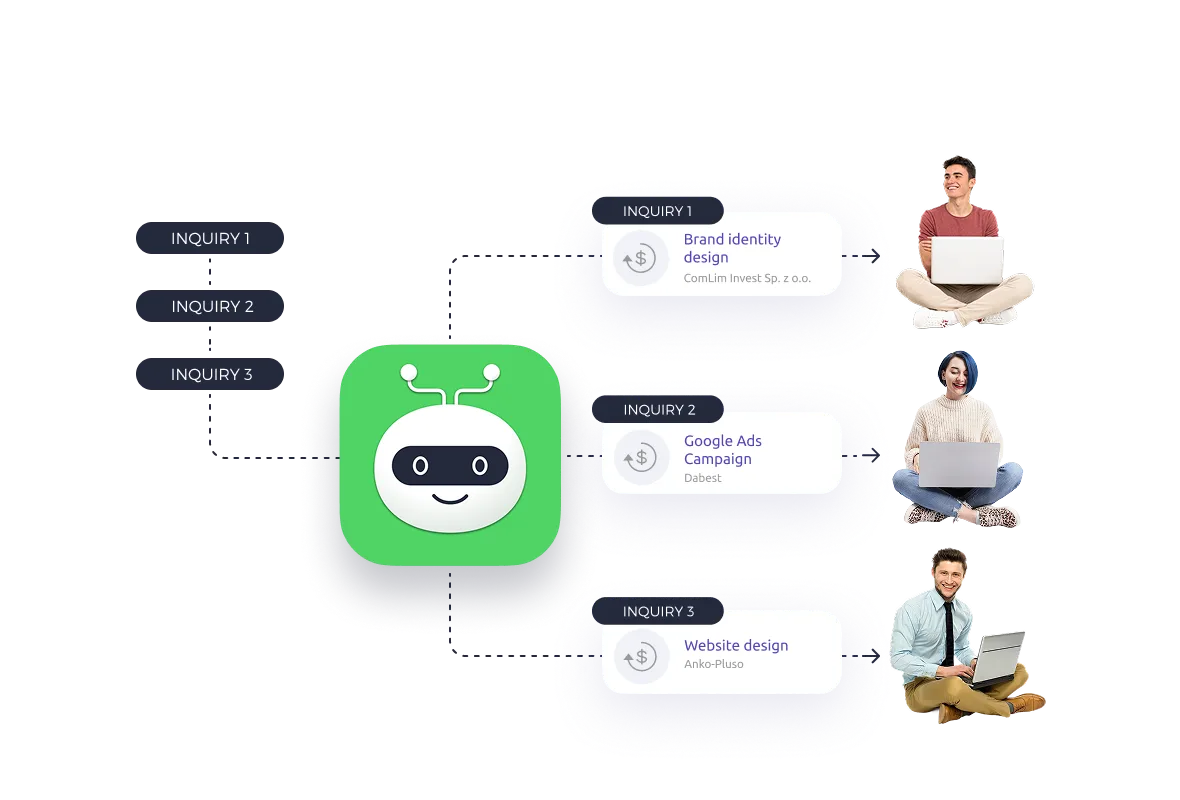
Connect Sellizer to Livespace and keep track of the proposals you send in one place.

You need a Sellizer account. The integration itself is free.

How to turn on Sellizer

  1. Open Account settings → Integrations and add-ons and choose Sellizer.

    Admin

  2. Connect your Sellizer account.

    Admin

Go to LivespaceTakes you to the Livespace log-in page.

Guides in the Help Center

Last updated: